What Is an MCP Checkout? The Agentic Commerce Stack, Explained
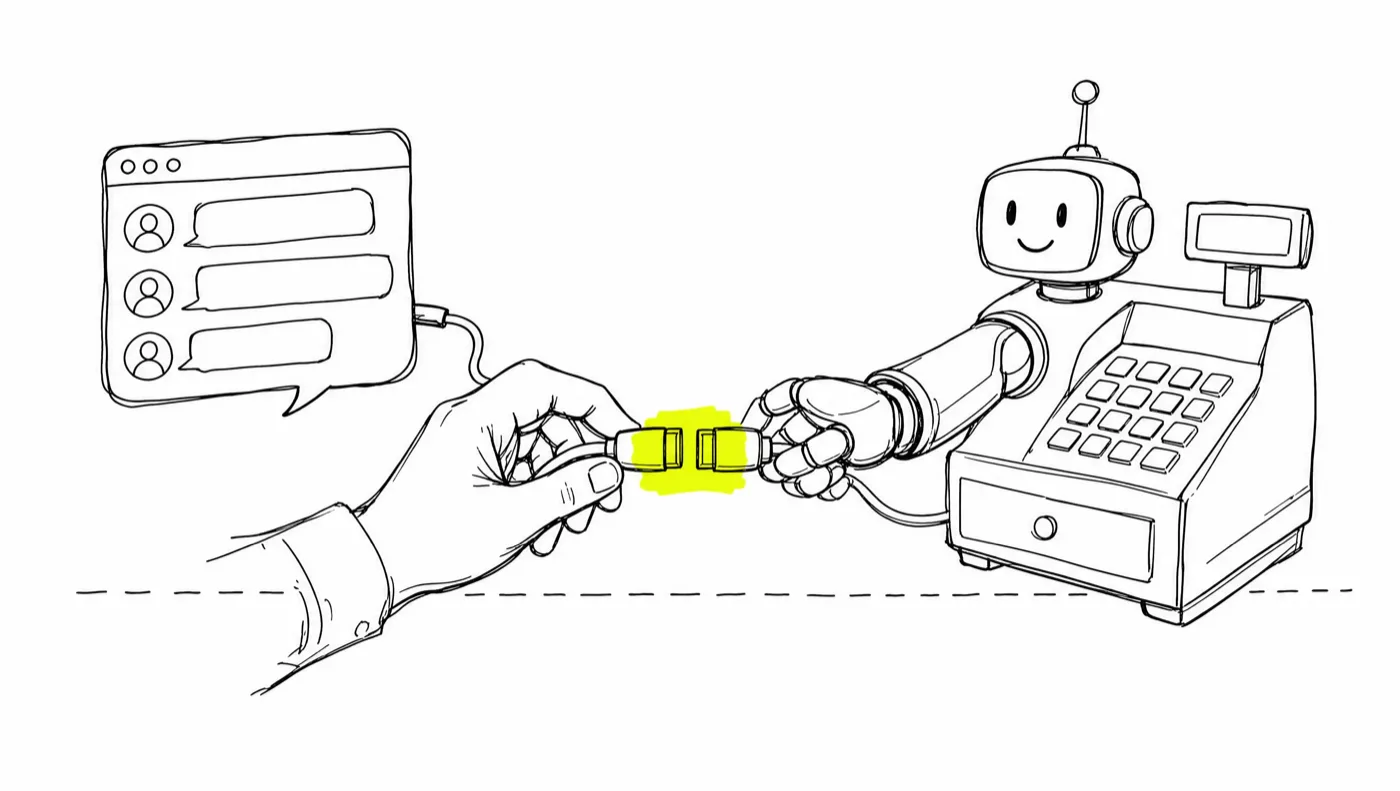
An MCP checkout is checkout software an AI agent can operate directly — creating products and offers, attaching order bumps and one-click upsells, wiring email follow-up, and reading sales data — through the Model Context Protocol, with every payment landing in the merchant's own Stripe account. GoCushy is — to our knowledge — the first checkout platform in the official MCP registry (com.gocushy/mcp), exposing 40+ tools behind server-side guardrails so an agent can run your selling without being able to misprice or fake anything.
Somewhere in the last two years the question changed from "can an AI write my sales page?" to "can an AI actually run the selling?" — create the product, attach the upsell, wire the follow-up, read the numbers, iterate. The answer is yes. The plumbing is a protocol called MCP, and this post explains how the stack fits together — and how to make it safe to let an agent operate the one part of your business that touches money.
MCP in sixty seconds
MCP — the Model Context Protocol — is an open protocol introduced by Anthropic in late 2024. It gives AI models a standard way to discover and call tools in outside software. A tool is a typed, documented action: create_offer, get_sales, refund_order. The model reads the tool list, decides what to call, sends structured arguments, and gets structured results back.
Because the protocol is open, it spread quickly. As of this writing, Claude, ChatGPT, Cursor, and most serious agent frameworks speak MCP, and there is an official MCP registry where servers are published and discovered — the closest thing agentic software has to an app store.
The practical consequence: any product that publishes an MCP server can be operated by any of those agents, in plain English, with no custom integration work.
So what is an MCP checkout?
An MCP checkout is checkout software with a complete web dashboard for direct control and a set of MCP tools that give agents an optional second operating surface. When conversation is faster than clicking and copying webhook URLs between tabs, you can say:
"Set up a checkout for my $49 course. Add the $17 workbook as an order bump, and put buyers on my course-buyers list."
…and the agent turns that sentence into tool calls: create_offer, set_followup, get_checkout_link. Moments later there's a live, mobile-first checkout page it can hand back to you as a link.
GoCushy exposes 40+ tools covering products, offers, checkout copy, email connections, webhooks, affiliates, refunds, subscription cancellations, and sales stats. The breadth matters: an agent that can only create things is a form-filler; one that can also read results and adjust is a colleague. For what that looks like day to day, see how to sell digital products with ChatGPT.
The agentic commerce stack
Agentic selling isn't one product. It's three layers, and confusion between them is where most of the bad takes come from.
Layer 1: The payments rail — Stripe
Stripe moves the money: cards, wallets, Link, buy-now-pay-later, disputes, payouts, and the legally required identity checks (KYC). Stripe also ships its own agent tooling — as of this writing, its MCP server can do things like create payment links and manage Stripe resources. That's real and genuinely useful. But a payment link is a cash register, not a store — it's built to collect a payment, not to run an offer stack, tag buyers into email sequences, or track affiliates.
Layer 2: The selling machinery — GoCushy
This is the layer that turns a payment into a sales process: order bumps that add to the same single payment, one-click post-purchase upsells on the saved card, buyers tagged and sequenced in Kit, Mailchimp, or ActiveCampaign, affiliate links with server-side attribution, sequential tax invoices, dunning for failed payments, and stats the agent can read back. It also handles real tax — Stripe Tax on your registrations, with EU B2B reverse charge and NZ/AU GST support. (A description of features, not tax or legal advice — where you must register is a question for your accountant.)
The one-liner we use internally: Stripe's MCP gives your agent a payment link. GoCushy gives it a funnel.
Layer 3: The agent
Claude, ChatGPT, Cursor, or your own code. The agent is the operator — it decides what to build and when to iterate. The stack below it decides what's possible and what's safe.
Here's how the two approaches differ from the buyer's side:
| Agent + bare payment link | Agent + MCP checkout (GoCushy) | |
|---|---|---|
| Offer structure | A product and a price | Product + order bump + one-click upsell |
| Checkout copy | Generic page | Agent-set headline, bullets, testimonials, guarantee badge |
| Email follow-up | Wire it yourself | Buyers tagged & sequenced automatically |
| Failed payments | Usually a lost sale | Recovery emails built in |
| Affiliates | Bring your own tracking | Referral links, server-side attribution, commission ledger |
| What the agent reads back | Dashboards built for humans | get_sales, list_orders — data built for agents |
For a deeper side-by-side of the first two layers, see Stripe payment links vs. a real funnel.
The safety model: letting an agent near money
The obvious objection: "you want a language model operating my checkout?" The answer isn't "trust the model." It's building the platform so the agent cannot do the damaging thing, no matter what it's told. Five mechanisms do the work on GoCushy:
1. Server-side pricing
Prices are set once, on the server, when a product is created, and every checkout reads that record at payment time — nothing in a URL, page markup, or checkout-time tool call can alter what a buyer is charged. An agent can create an offer; it cannot ship a mispriced checkout.
2. Whitelisted checkout blocks
Checkout pages are described, not designed. The agent sets content into fixed slots — headline, subheadline, up to six benefit bullets, up to three testimonials, a guarantee badge, hero image, button text, and a brand accent color. It can't inject scripts, rearrange the layout, or ship the uncanny half-broken pages free-form generation produces — the layout is structurally unbreakable.
3. Honest countdowns
Scarcity is the most abused mechanic in direct response. On GoCushy, a countdown hides itself at zero and can never fake-reset — the system simply has no way to express a dishonest timer. An agent told to "make the countdown restart for every visitor" will fail, correctly.
4. Signed URLs everywhere it matters
One-click upsells charge a saved card, delivery pages unlock paid content, and invoices carry tax details — so all of those live behind signed URLs. They can't be guessed or forged — by an agent or anyone else.
5. One human step, by law
The single thing your agent can't do is pass Stripe's KYC — identity verification is a legal requirement and a human one. You connect your own Stripe account once, and money lands there directly on every sale — GoCushy never holds your funds. Everything after that handshake, the agent can run.
Beneath the principles sits ordinary engineering discipline: 67 automated tests and 40+ adversarial review findings fixed before launch. To watch the whole loop run — agent builds, sells, reads results, iterates — see what happens when a Claude agent runs your sales.
MCP-native from day one
We built GoCushy MCP-native from day one, and it shows in where you'll find it: com.gocushy/mcp is published in the official MCP registry — to our knowledge the first checkout platform listed there. Claude Desktop, Claude Code, and Cursor connect with one line (npx -y @gocushy/mcp); ChatGPT and other hosted agents use the remote MCP endpoint; and everything the 40+ tools do is also available over a plain REST API. Setup details are in the docs, and you can create an account to get started.
When a bare payment link is the better choice
Honesty cuts both ways. If you sell one thing occasionally — a single consulting invoice, a one-off deposit — with no upsell path, no email list, and no affiliates, Stripe's own tooling is simpler and involves one less layer, and we'd recommend it without hesitation. The checkout layer earns its keep the moment selling becomes a process: multiple offers, order value optimization, list building, recurring revenue, partners promoting you. That's the machinery GoCushy hands to your agent.
$99/month. Everything included.
$99/month with everything included and 0% added platform fees — you pay only Stripe's standard processing. Or start on the Free plan ($0 + a 3% platform fee).
Get startedFirst 30 days free. Cancel any time.
Frequently asked questions
What is an MCP checkout?
An MCP checkout is checkout software that keeps a complete web dashboard for direct control and also exposes its workflows to AI agents as Model Context Protocol tools. An agent like Claude or ChatGPT can optionally call tools such as create_offer, set_followup, and get_checkout_link to build and run a live checkout. Money settles in the merchant's own Stripe account, and server-side guardrails keep pricing and scarcity claims honest.
How is an MCP checkout different from Stripe's MCP server?
Stripe's agent tooling sits at the payments layer: as of this writing it can do things like create payment links and manage Stripe resources. An MCP checkout like GoCushy sits on top of Stripe and adds the selling machinery — order bumps, one-click upsells, email follow-up, affiliates, tax invoices, and sales data the agent can read back. Stripe's MCP gives your agent a payment link; GoCushy gives it a funnel.
Is it safe to let an AI agent run my checkout?
It is safe when the platform is built so the agent cannot break anything that matters. On GoCushy, prices live server-side so a checkout can never be mispriced by an agent, page copy is limited to whitelisted checkout blocks, countdowns hide at zero and can never fake-reset, and buyer-sensitive pages use signed URLs. The one step an agent cannot do is Stripe's identity verification — a human completes that once.
Do I need my own Stripe account to use GoCushy?
Yes. GoCushy connects to your own Stripe account and every payment lands there directly — GoCushy never holds your funds and never becomes the merchant of record. Connecting Stripe and passing its KYC check is the single human step in setup; your agent handles everything after that.
Which AI assistants work with GoCushy?
Anything that speaks MCP. Claude Desktop, Claude Code, and Cursor connect via the npm package @gocushy/mcp; ChatGPT and other hosted agents use the remote MCP endpoint; custom agents can use either, or the REST API directly. GoCushy's complete web dashboard remains the primary operating surface; these connections add an optional second one.
Selling with AI, in your inbox
Get each new post as it publishes — checkout tactics, agent workflows, and the real numbers from building GoCushy in public. Unsubscribe anytime.
