Stripe Payment Links Are a Cash Register. Here's the Store.
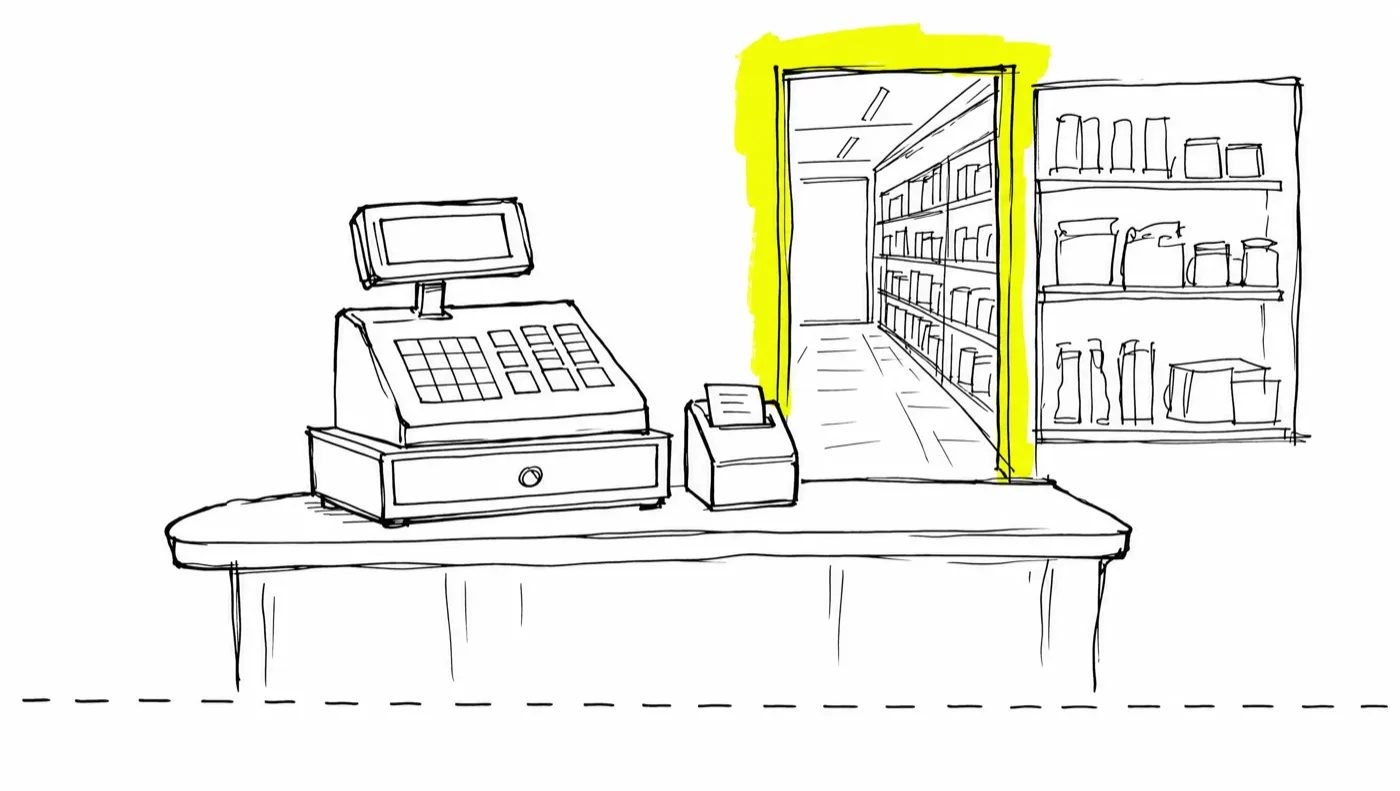
Stripe Payment Links are the right tool for simple one-off sales — free to create, hosted by Stripe, nothing to maintain. What they don't give you is the store around the register: direct-response order bumps, one-click post-purchase upsells, affiliate attribution, email-platform tagging, and the compliant cross-border invoicing digital sellers need. GoCushy adds that funnel layer on top of your own Stripe account — and because it's MCP-native, your AI agent can set the whole thing up in one conversation.
There's a reason Stripe Payment Links are everywhere. You pick a product, Stripe hands you a URL, and anyone who clicks it can pay. No code, no page builder, no monthly software bill. For a certain kind of sale they are close to perfect — and if that's your situation, you should use one and skip the rest of this post.
But a payment link is a cash register. It takes money, competently, and then it stops. A store does more than take money: it suggests the thing sitting next to the register, follows up with the customer afterwards, keeps books the tax office will accept, and pays the people who sent the customer through the door. If you sell digital products seriously — courses, coaching, software, templates — the gap between the register and the store is usually the difference between what a buyer was willing to spend and what you actually charged them.
What a payment link does brilliantly
Credit where it's due. Payment links cost nothing to create — as of this writing, you pay Stripe's standard processing fees on each sale and nothing on top. They handle one-time and recurring prices, promo codes, and wallets, and Stripe Tax can calculate tax on them once your registrations are configured. Stripe hosts the page, so there is nothing for you to maintain, ever.
If you're selling one product at one price, occasionally, and a receipt is all the follow-up your buyer needs, a payment link is the right tool. Don't let anyone — us included — talk you into more machinery than the job requires.
The five gaps a payment link leaves open
1. No order bumps
An order bump is a checkbox on the checkout itself — "add the $17 workbook to your order" — and it's one of the oldest, most reliable mechanics in direct response: the moment of highest buying intent is the moment someone is already paying, and a relevant add-on offered there lifts order value without costing you any extra traffic. Stripe does offer a cross-sell option that can suggest a related product at checkout (as of this writing), which covers the simplest case. What it doesn't give you is the direct-response version: a bump priced and framed as part of a specific offer, plus everything downstream of the sale. We've written a full guide to adding order bumps and one-click upsells on your own Stripe.
2. No one-click post-purchase upsells
After a payment link is paid, the buyer sees a confirmation or gets redirected to a URL you choose. As of this writing, offering them a second product charged to the card they just used — no re-entering details — means a developer building with saved payment methods and off-session charges. That's real engineering, with real edge cases. On GoCushy, every one-time offer can carry a one-click post-purchase upsell out of the box: the card is saved, the upsell page is signed, and the buyer never re-enters anything.
3. No affiliate attribution
Payment links weren't built with affiliates in mind — as of this writing there's no referral tracking on them, so if partners send you traffic, you're assembling attribution from UTM parameters, spreadsheets, and goodwill. GoCushy gives every affiliate a referral link with server-side attribution — no fragile JavaScript cookies — plus commission ledgers with a 30-day holdback, refund clawbacks, recurring commissions on renewals, and rates locked at the moment of purchase.
4. No email platform wiring
When someone buys through a payment link, their email address lands in your Stripe dashboard and stays there. Getting that buyer tagged and sequenced in Kit, Mailchimp, or ActiveCampaign means building webhooks or paying for glue tools. GoCushy connects to your email platform directly: buyers are tagged and dropped into sequences on purchase, refund, upsell, and renewal, and failed payments trigger recovery emails automatically.
5. Invoices and tax for cross-border digital sellers
This one is subtler, because Stripe Tax genuinely works on payment links once configured. The gap is everything around the tax: sequential invoice numbers your accountant expects, the "Tax Invoice" title required in New Zealand and Australia, EU B2B reverse charge with a tax ID validated at checkout, and an invoice linked from every receipt. GoCushy does all of that on every paid order — including subscription renewals — validates EU VAT IDs via VIES, and can file each invoice straight into Xero. If you sell digital products across borders, we've covered the details in our guide to VAT and GST on your own Stripe.
Tax rules vary by country and change often. Nothing here is tax or legal advice — confirm your obligations with your accountant.
Stripe's MCP mints the link. GoCushy hands your agent the store.
Here's where this gets interesting in 2026. Stripe ships its own MCP server (as of this writing), which means an AI agent can already create a payment link for you. That's genuinely useful — and it's exactly the cash-register scenario above, automated.
gocushy's premise is one sentence: Stripe's MCP gives your agent a payment link. GoCushy gives it a funnel. Our MCP server exposes 40+ tools, so the same agent that would have minted a bare link can instead create the product, build the offer with a bump and upsell, wire your email follow-up, generate affiliate links, read your sales stats, and issue refunds when you ask it to. If you're new to the idea of agents operating a checkout, start with What is an MCP checkout?
And because agents make mistakes, the guardrails live server-side: pricing is enforced on our servers so an agent can't ship a mispriced or broken checkout, countdowns are honest by construction — they hide at zero and can never fake-reset — and money only ever lands in your own Stripe account. Developers can go deeper in the developer docs; it runs locally via npx -y @gocushy/mcp for Claude Desktop, Claude Code, and Cursor, or as a remote MCP for ChatGPT.
The decision table
| Use a Stripe Payment Link if… | Use GoCushy if… |
|---|---|
| You sell one product at one price, occasionally | You sell offers — a core product plus a bump and a one-click upsell |
| A Stripe receipt is all the follow-up a buyer needs | Buyers should be tagged and sequenced in Kit, Mailchimp, or ActiveCampaign |
| Nobody sends you affiliate traffic | Partners and affiliates need reliable attribution, holdbacks, and clawbacks |
| Your sales are mostly domestic with simple tax | You sell digital products cross-border and need compliant invoices, reverse charge, and NZ/AU GST handling |
| You have developers to build custom post-purchase flows | You want funnel mechanics without writing or maintaining code |
| Your agent just needs to take a payment | Your agent should run the whole sales process — create, wire, measure, iterate |
When bare Stripe is the better choice
Honestly: often. If you're invoicing a client for a project, Stripe's own invoicing tools are built for exactly that. If you're taking donations, collecting a deposit, or selling something once to someone who already said yes, a payment link is faster than anything we could offer. And if you're an engineering team building a fully custom checkout on Stripe's APIs, you don't need a funnel layer — you're building your own.
The good news is this was never a Stripe-versus-gocushy decision. GoCushy runs on your Stripe account via Stripe Connect — we never hold your funds, and your customer data stays yours. The real question is whether your Stripe runs bare, or with the store built around the register. You can see how the pieces fit in the docs, or compare us against the established cart tools in our honest look at ThriveCart alternatives.
Frequently asked questions
Can Stripe Payment Links do order bumps and one-click upsells?
Not in the direct-response sense. As of this writing, Stripe offers a cross-sell option that can suggest a related product at checkout, but there's no built-in one-click post-purchase upsell — building one requires custom development with saved payment methods. GoCushy includes both on every one-time offer, running on your own Stripe.
Does GoCushy replace Stripe?
No — GoCushy sits on top of your own Stripe account via Stripe Connect. Money lands directly in your Stripe; GoCushy never holds your funds, and Stripe's standard processing fees apply as usual. You keep Stripe either way; the question is whether you run it bare or with a funnel layer.
Can an AI agent set up my checkout on GoCushy?
Yes. GoCushy exposes 40+ MCP tools, so Claude, ChatGPT, Cursor, or your own agents can create products and offers, attach bumps and upsells, wire email follow-up, manage affiliates, and read sales stats. The one human step is connecting your Stripe account — a legal KYC requirement.
Do Stripe Payment Links handle VAT and GST on digital products?
Stripe Tax can calculate and collect tax on payment links once your registrations are configured. The gaps for cross-border digital sellers are around what surrounds the tax: sequential compliant invoices, EU B2B reverse charge with validated tax IDs, and jurisdiction-specific requirements like the "Tax Invoice" title in NZ and AU. Not tax or legal advice — check with your accountant.
What does GoCushy cost?
GoCushy is $99/month with everything included — 0% added platform fees, first 30 days free, cancel any time. There's also a Free plan ($0 plus a 3% platform fee). Stripe's own processing fees always apply on your account.
$99/month · everything included.
0% added platform fees · first 30 days free$99 a month covers everything, with 0% added platform fees and your first 30 days free — you pay only Stripe's standard rate. Create your account at gocushy.com/signup and you can be selling the same day.
Get startedSelling with AI, in your inbox
Get each new post as it publishes — checkout tactics, agent workflows, and the real numbers from building GoCushy in public. Unsubscribe anytime.
